
Publishing
Write in Slate. Publish a website.
Pick the articles in a Space, choose a look and press Publish. Your site goes live on Slate hosting or your own domain, with search, sharing and analytics already set up.
Pick a look
Each look is a complete site design. Change it later and publish again.
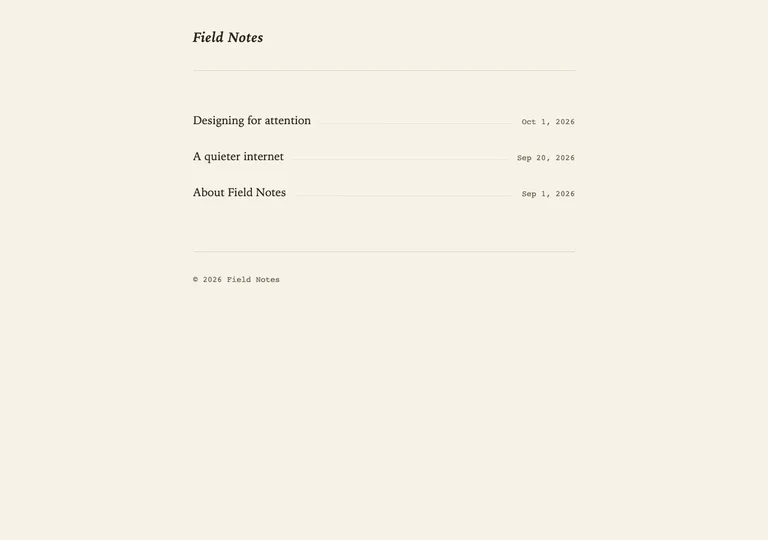
Editorial LightBlog 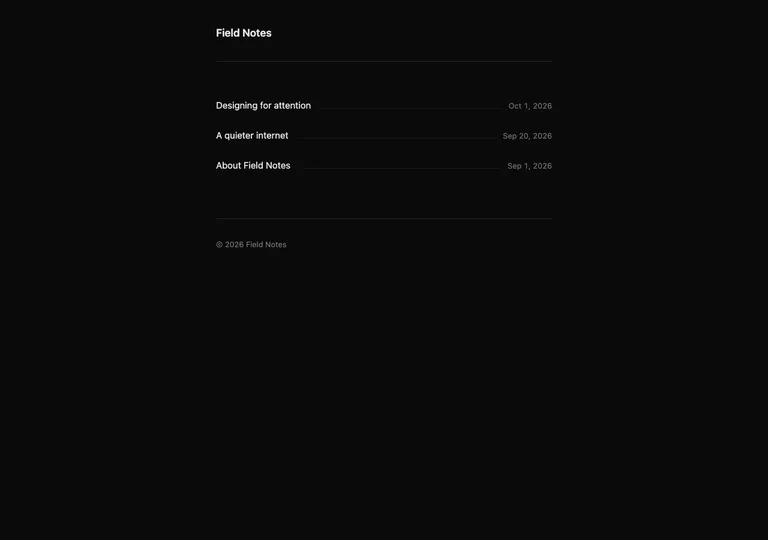
MidnightBlog 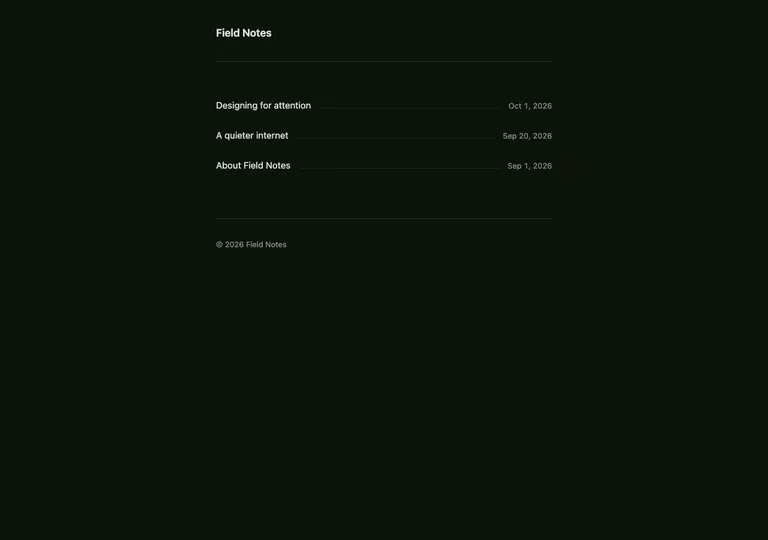
ForestBlog 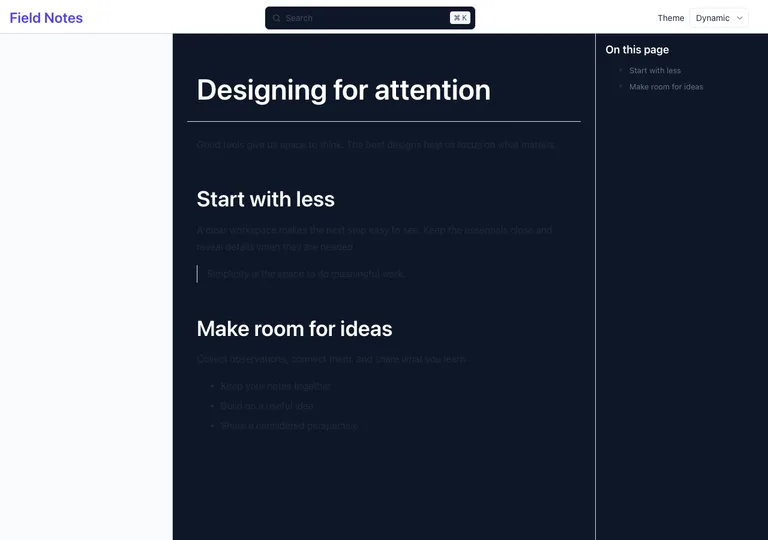
Clean LightDocumentation
Theme previews are renders of sample content, made with the same publishing engine your site uses.
How it works
Write or import
Write in a Space, or import a folder of Markdown. Articles sit next to your research and sources.
Choose what goes live
Select the articles to publish. Everything else stays private. Set an address, description and share image for each one.
Publish
One click builds the site. Edit later and publish again, or restore any earlier release.
What you get
Your address
Slate hosting, your own domain, or a folder of a site you already run.
A look that fits
Twelve blog and eight documentation looks, with your own wordmark, accent colour and navigation.
Ready for search
Readable addresses, descriptions, share previews, a sitemap, RSS and an llms.txt file.
Old links keep working
Change an article address and the old one redirects.
Reader analytics
Reader counts through Godmode, on by default for Slate hosting and one tick to turn off.
Email subscribers
Readers subscribe with an email address and a confirmation. You choose when to send. Publishing never emails anyone.
Sites run from Slate
A few sites written and managed in Slate Spaces.
Satire benchmark
DeepDumb
A fictional AI benchmark that went around. Written in a Slate Space and hosted on Slate.

These are projects by Slate’s creator, not customer endorsements. Some are hosted on Slate and some are published from Slate to their own domain.
Start with something you have already written.
Bring your notes into a Space, pick a look and publish. Or read what others have published first.